A website for your car and bike rental
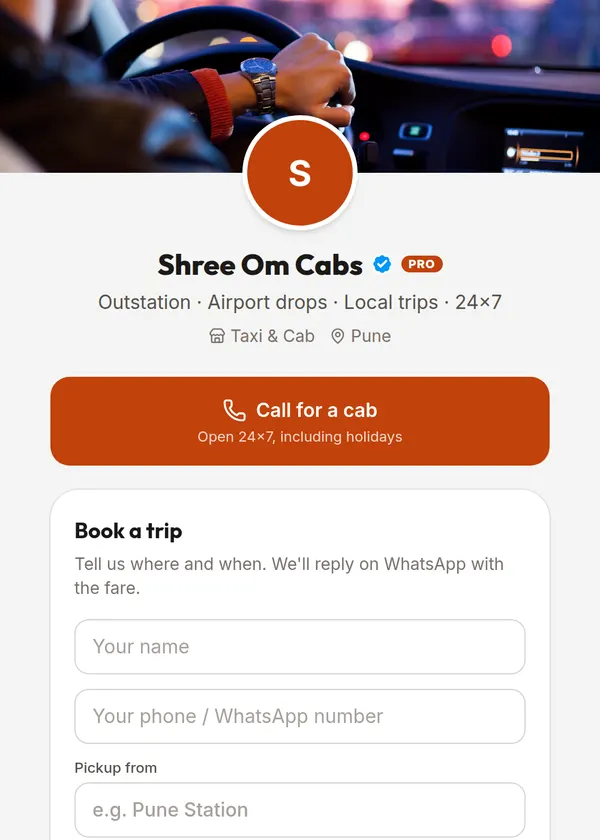
Renters want three answers before they call: the daily rate, the deposit and what documents you need. Put them on one page with your cars, and the booking form sends you the dates and pickup point on WhatsApp.
Free plan · No card needed · Works on any phone · by Sify
What your page can do
Cars and bikes with rates
Each car or bike with a photo, daily rate and fuel type. Up to 5 on the free plan, more on paid plans.
Booking enquiry with dates
Renters send pickup place, date, return date and number of people. Saved in your Leads and sent to WhatsApp.
Rules, clearly
Deposit, km limit per day, extra km rate, fuel policy and late return charge, in one list.
Documents needed
Driving licence, ID proof and anything else, listed so renters come prepared.
Deposit by UPI (paid plan)
Take the security deposit or booking advance by UPI, straight to your bank.
Rules to show before renters call
Most rental disputes start with a rule the renter didn't know. Show these on your page and point to them when you confirm a booking.
Security deposit. How much, how it's paid, and when it's returned.
Km limit. Free km per day and the rate for each extra km.
Fuel policy. Full to full, or pay for what you use.
Documents. Driving licence, ID proof, and age limits if you have them.
Late return and damage. Charge per extra hour, and how damage is settled.
Pickup and delivery. Your pickup point, and whether you deliver to hotels, stations or the airport.
Self-drive cars and bikes for hire need a licence under the Rent a Cab Scheme (1989) or the Rent a Motorcycle Scheme (1997) from your state transport department. Check your state's current rules.
How it works
- 1
Pick your page
Start with a page made for car and bike rentals. Change anything you like.
- 2
Add your details
Your name, phone, photos and prices. It all works from your phone, in a few minutes.
- 3
Share your link
You get a link like sify.co.in/your-name and a QR code. Put them in your Instagram bio, WhatsApp Status and Google listing.
FAQ