A website for your pilgrimage tours
Yatris often book for their parents or a whole group, and they want to know it will be safe and well looked after. Your page shows your yatra packages, group departure dates, what's included, and how you help with registration and darshan.
Free plan · No card needed · Works on any phone · by Sify
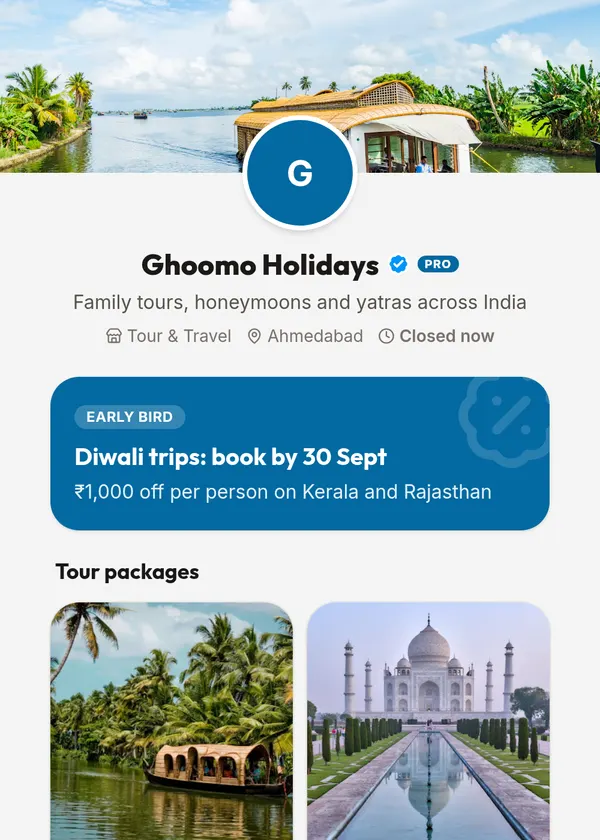
What your page can do
Yatra packages
Char Dham, Do Dham, Jyotirlinga, Vaishno Devi, South India temples: each with photo, days and price per person.
Group departure dates
List upcoming departures and mark them “Full” as they fill.
Tour enquiry form
Package, month and number of people, with room in the message for senior citizens or special needs.
Itinerary and checklist PDFs
Day-by-day plan, what to carry, and fitness notes for high-altitude yatras.
Advance by UPI (paid plan)
Take seat-booking advances for group departures, straight to your bank.
Yatra details families look for
Pilgrims, and the children booking for them, want to see that the tour is well planned before they pay an advance.
Route and days. Which temples, in what order, and how long the yatra takes.
Registration help. How you handle state yatra registration and any medical certificate.
Helicopter, pony and doli. Whether they're included, extra, or booked on request.
Stay and food. Hotels or dharamshalas, and whether meals are satvik or pure veg.
Senior citizen care. Walking distances, wheelchair help and a tour manager on the trip.
Fitness and season. Altitude, weather, and the best months to go.
Some yatras need pilgrim registration with the state or shrine board, such as Char Dham registration with Uttarakhand Tourism and Amarnath Yatra registration with the shrine board. Check the current rules each season.
How it works
- 1
Pick your page
Start with a page made for pilgrimage and yatra tours. Change anything you like.
- 2
Add your details
Your name, phone, photos and prices. It all works from your phone, in a few minutes.
- 3
Share your link
You get a link like sify.co.in/your-name and a QR code. Put them in your Instagram bio, WhatsApp Status and Google listing.
FAQ